
Healthcare
Healthcare Digital Transformation Tips Using Jotform
Learn practical tips for healthcare digital transformation with Jotform. Streamline patient forms, ensure HIPAA compliance, and automate workflows.
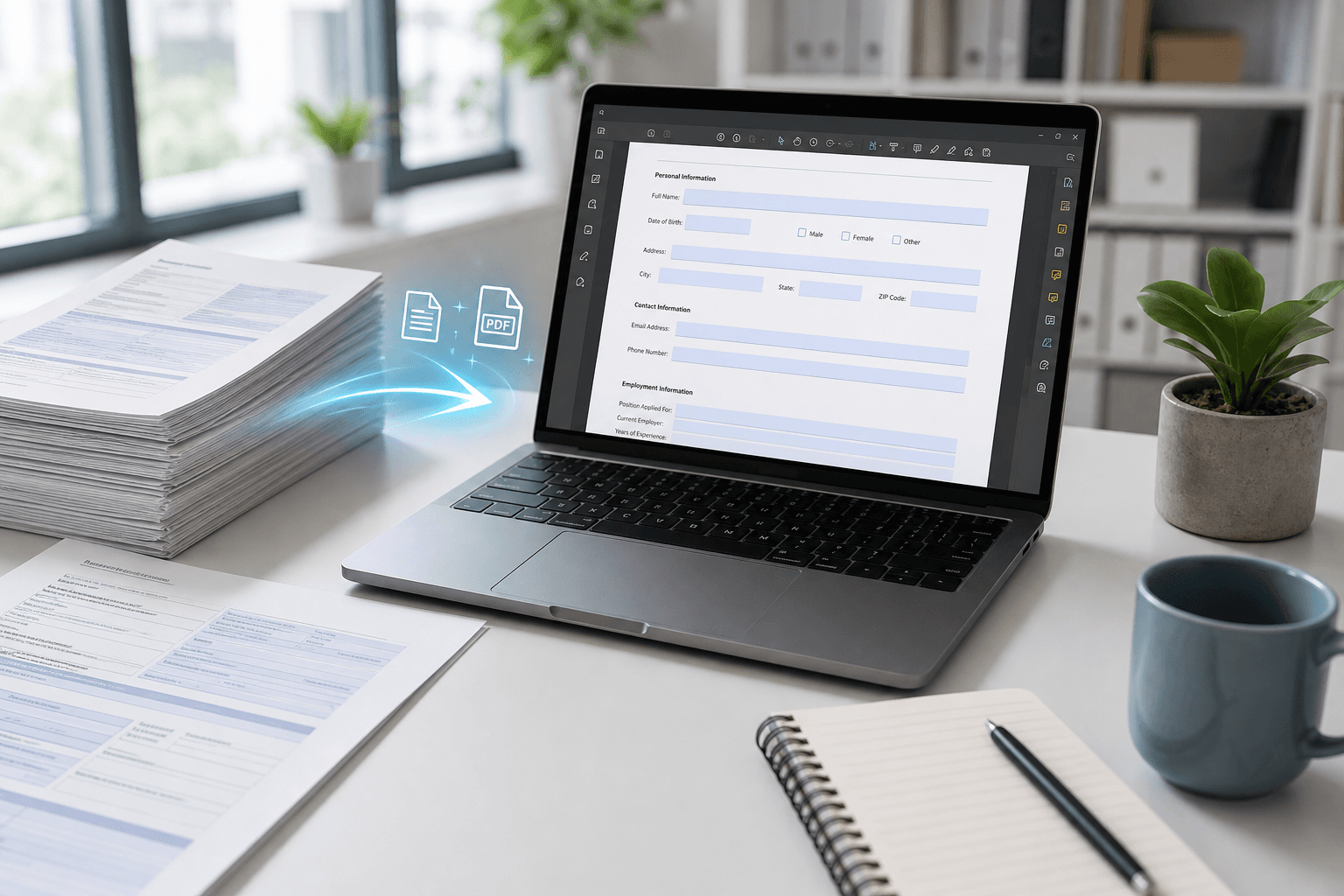
Discover how to digitally transform your healthcare practice with Jotform. From patient intake to secure data collection, these tips help you improve efficiency.
Streamlining Patient Intake and Registration
Paper-based patient intake forms can slow down your practice and frustrate patients. Digital transformation starts by replacing these with smart online forms that capture accurate data instantly. Jotform allows you to create customized intake forms that patients can fill from any device before their visit.
With conditional logic, you can show only relevant fields based on previous answers, reducing clutter and completion time. This not only improves the patient experience but also frees up staff to focus on care rather than data entry.
- Use conditional logic to display follow-up questions only when needed
- Integrate your forms with electronic health records (EHR) systems for seamless data flow
- Enable e-signatures to collect consent and authorization digitally
Maintaining HIPAA Compliance and Data Security
Healthcare organizations must protect sensitive patient information at all costs. Digital transformation doesn't mean compromising security—it means enhancing it. Jotform offers HIPAA-compliant features, including data encryption at rest and in transit, as well as detailed audit trails.
To stay compliant, ensure you enable encryption, use HIPAA-eligible hosting options, and regularly review form access permissions. Digital forms also reduce the risk of lost paper records and unauthorized physical access.
- Enable SSL/TLS encryption for all form submissions and data storage
- Select HIPAA-eligible hosting and sign a business associate agreement (BAA) with Jotform
- Restrict form access with password protection or IP filtering
Automating Follow-Ups and Workflows
Once patient data is collected digitally, you can automate time-consuming follow-up tasks like appointment reminders, satisfaction surveys, and billing notifications. Jotform’s integration capabilities make it easy to connect forms with your existing tools.
Noxtiz recommends using Jotform’s workflow automation to trigger email responses, update spreadsheets, or send data to CRM systems. This reduces manual effort and ensures patients receive timely, consistent communication.
- Set up auto-responders to send confirmation or thank-you emails immediately after form submission
- Integrate with Google Sheets or Airtable to auto-populate records for easy reporting
- Schedule triggers to send reminders or escalate forms based on specific conditions
Ready to go further with Jotform?
The Gold plan gives you more submissions, more storage, no Jotform branding, and access to advanced features like conditional logic, payment integrations, and approval workflows. Most businesses find it the best value.
- Up to 100 forms and 10,000 submissions per month
- 100 GB of storage and 10,000 encrypted uploads
- Remove Jotform branding on forms
- Advanced features: conditions, payments, approvals, and widgets