
PDF Forms
How to Convert a PDF into a Fillable Form with Jotform
Learn how to use Jotform Smart PDF Forms to convert an existing PDF into a fillable form and create a cleaner online document workflow.
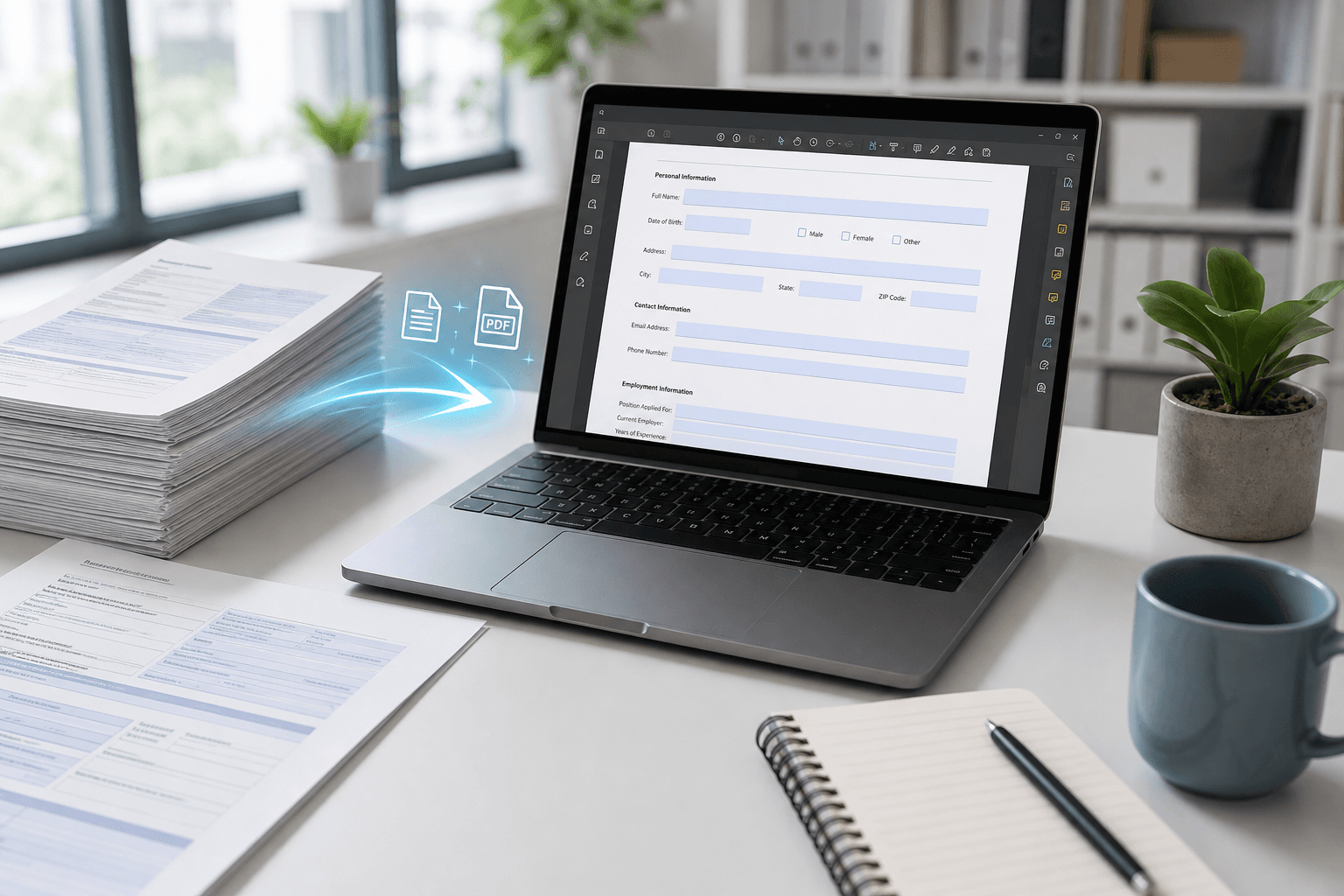
If the business already has a PDF form it wants to keep, Smart PDF Forms can be a practical bridge between an old document process and a more usable online form flow.
A lot of businesses already have a PDF form they do not want to throw away
Teams often already have registration forms, intake sheets, HR packets, or approval documents in PDF format. The problem is not always the document itself. The real problem is that the workflow around it is slow, hard to complete on mobile, and difficult to organize later.
That is where converting the PDF into a fillable online form becomes useful. It keeps the structure people already recognize while improving how submissions are collected.
Smart PDF Forms is strongest when the PDF is already part of the business process
If a business already has a PDF form that stakeholders trust, replacing it completely can create friction. Smart PDF Forms can be a smoother middle path by turning the PDF into something users can actually complete online more easily.
This can reduce attachment-heavy workflows and make the submission step cleaner for both the person filling out the form and the team reviewing it later.
- Use Smart PDF Forms when you want to preserve an existing form structure.
- Map the old PDF fields into a simpler online completion flow.
- Review whether the PDF still needs to remain central, or if a form-first workflow is better long term.
The best long-term decision is not always PDF-first
Sometimes converting the PDF is the right move because it speeds up adoption. Other times it reveals that the business no longer needs to stay attached to the PDF at all.
That is why Smart PDF Forms works best as a practical transition tool. It helps businesses modernize document workflows without forcing them to rebuild everything all at once.
Ready to go further with Jotform?
The Gold plan gives you more submissions, more storage, no Jotform branding, and access to advanced features like conditional logic, payment integrations, and approval workflows. Most businesses find it the best value.
- Up to 100 forms and 10,000 submissions per month
- 100 GB of storage and 10,000 encrypted uploads
- Remove Jotform branding on forms
- Advanced features: conditions, payments, approvals, and widgets