
Restaurants
How to Secure Online Submissions for Your Restaurant
Learn how to protect customer data and prevent spam in restaurant online orders, reservations, and feedback forms using Jotform's security features.
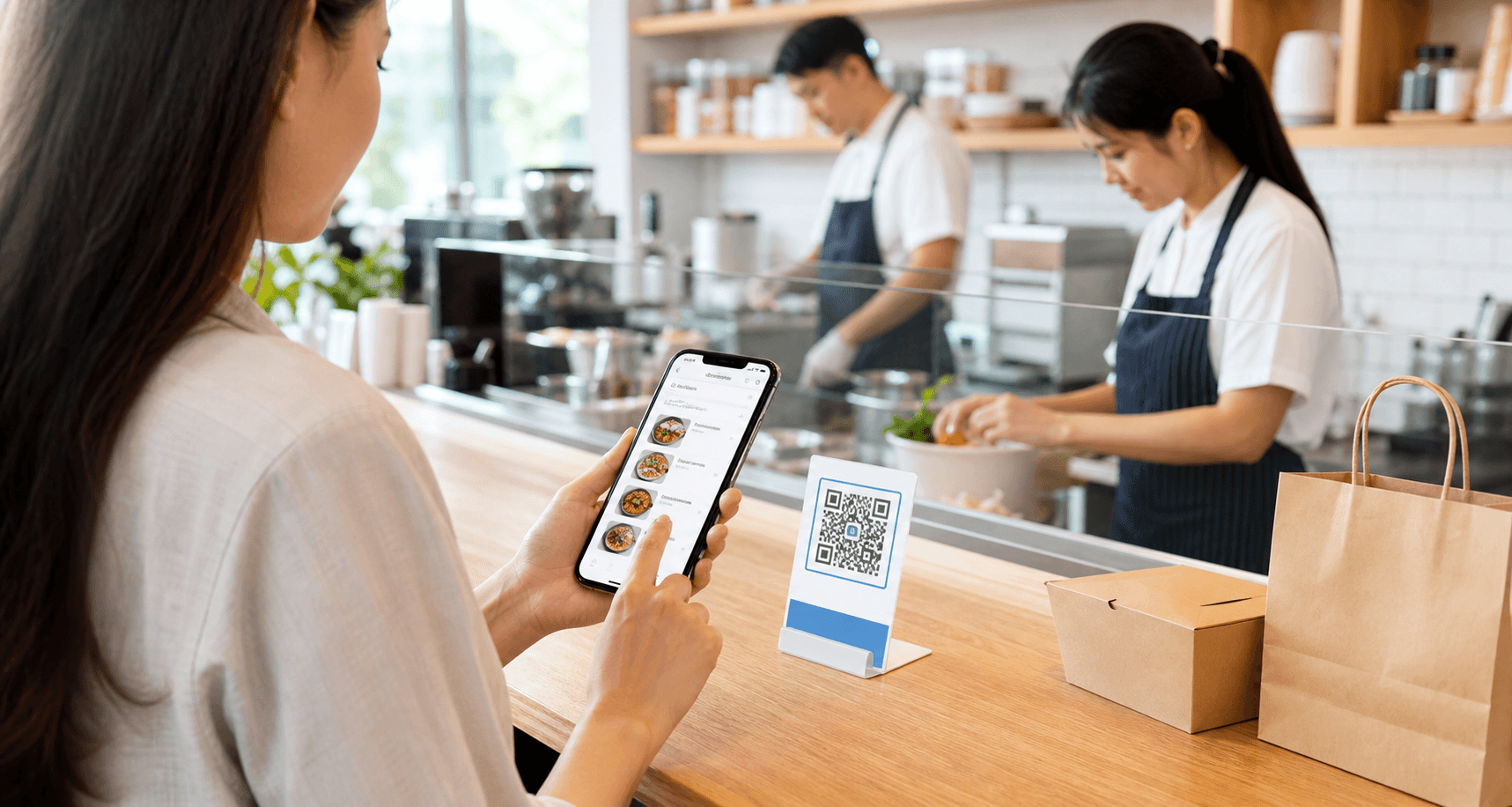
Discover practical tips to secure your restaurant’s online submission forms—from reservations to delivery orders—and maintain customer trust.
Why Security Matters for Restaurant Submissions
Restaurants today handle a wealth of customer data through online forms—reservations, catering orders, takeout, feedback, and even job applications. Names, phone numbers, email addresses, and payment details are all collected, making these forms an attractive target for data breaches. A single security lapse can erode customer trust, lead to financial penalties, and damage a restaurant’s reputation.
Using secure online submission forms not only protects your guests but also helps your restaurant comply with privacy regulations like GDPR or CCPA. When customers see that you take their data seriously, they are more likely to book, order, and recommend your venue. With the right tools, securing these submissions is straightforward and essential.
Key Jotform Security Features for Restaurants
Jotform offers several built-in security features that are ideal for restaurant use cases. All forms come with SSL encryption by default, ensuring data is protected during transit. For an extra layer of safety, you can enable form encryption so that submission data is stored in an encrypted format and can only be accessed with a private key.
To prevent spam and bots from clogging your submissions, Jotform provides tools like reCAPTCHA, honeypot fields, and custom CAPTCHA. For restaurants handling health information (e.g., allergy details) or payment card data, Jotform supports HIPAA compliance and PCI-friendly settings when configured appropriately.
Here are three quick tips to strengthen security right away:
- Enable reCAPTCHA on all public-facing forms to block automated spam submissions.
- Use encrypted forms for any sensitive data like phone numbers or payment information.
- Set up form access restrictions (password, IP range) for internal forms such as staff shift requests.
Best Practices Recommended by Noxtiz
Beyond the built-in settings, a few proactive practices can keep your restaurant’s submissions safe over the long term. Regularly review form submissions and delete old data that is no longer needed. Use Jotform’s conditional logic to hide fields that collect sensitive information unless absolutely required, and limit the visibility of submission data to only essential team members.
Noxtiz, as an independent Jotform partner, recommends implementing scheduled security audits for your forms and setting up user-level access controls in your Jotform account. This way, each staff member views only the submissions relevant to their role—reducing the risk of accidental data exposure. If you need help configuring these settings, Noxtiz can guide your restaurant toward a more secure digital workflow.
Ready to go further with Jotform?
The Gold plan gives you more submissions, more storage, no Jotform branding, and access to advanced features like conditional logic, payment integrations, and approval workflows. Most businesses find it the best value.
- Up to 100 forms and 10,000 submissions per month
- 100 GB of storage and 10,000 encrypted uploads
- Remove Jotform branding on forms
- Advanced features: conditions, payments, approvals, and widgets