
Restaurants
How to Use Jotform for QR Menu Ordering in Restaurants
Learn how restaurants and cafes can use Jotform for QR menu ordering, simple menu selection, and smoother mobile ordering without a heavy app rollout.
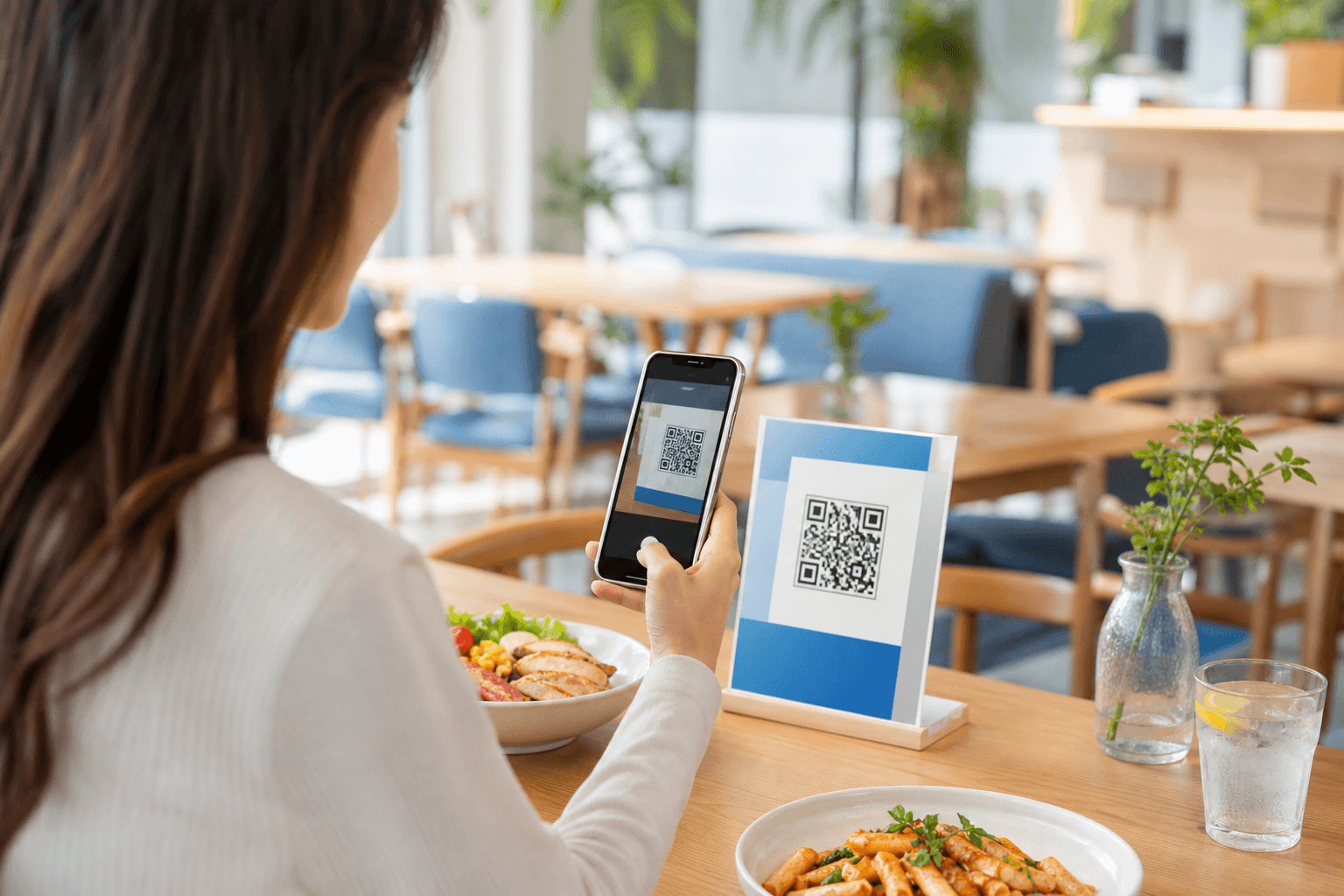
A QR menu flow can be a practical first step for restaurants that want digital ordering without rebuilding the whole customer journey.
Start with the order path customers can finish quickly
A restaurant QR menu only helps if the form feels faster than waiting for manual ordering. That means the customer should be able to scan, choose a category, pick items, and submit without confusion.
The best first setup is usually a short digital menu with a clean order form, not a complicated replica of a full POS system.
Use Jotform when the workflow needs flexibility more than complexity
Jotform works well for cafes, casual dining, pop-ups, and test environments where the team wants to validate a digital ordering flow before investing in a larger system.
That can include dine-in ordering, event food ordering, limited menus, or branch-specific specials that change often.
- Keep categories simple and easy to scan.
- Use one clean form per ordering flow when possible.
- Test the mobile experience before printing the QR code publicly.
Connect the order path to the next customer action
Some restaurants want the form to end in a payment step, while others only need an order request before manual confirmation. The right structure depends on whether the business wants a full self-serve flow or a lighter operational layer.
That is why it helps to compare Builder, Templates, AI, and pricing with the ordering journey in mind, not just the form fields.
Ready to go further with Jotform?
The Gold plan gives you more submissions, more storage, no Jotform branding, and access to advanced features like conditional logic, payment integrations, and approval workflows. Most businesses find it the best value.
- Up to 100 forms and 10,000 submissions per month
- 100 GB of storage and 10,000 encrypted uploads
- Remove Jotform branding on forms
- Advanced features: conditions, payments, approvals, and widgets