
Workflows
Secure Online Submissions: Protect Your Jotform Workflows Today
Learn how to safeguard your Jotform forms with encryption, CAPTCHA, and access controls. Discover best practices for secure data collection workflows.
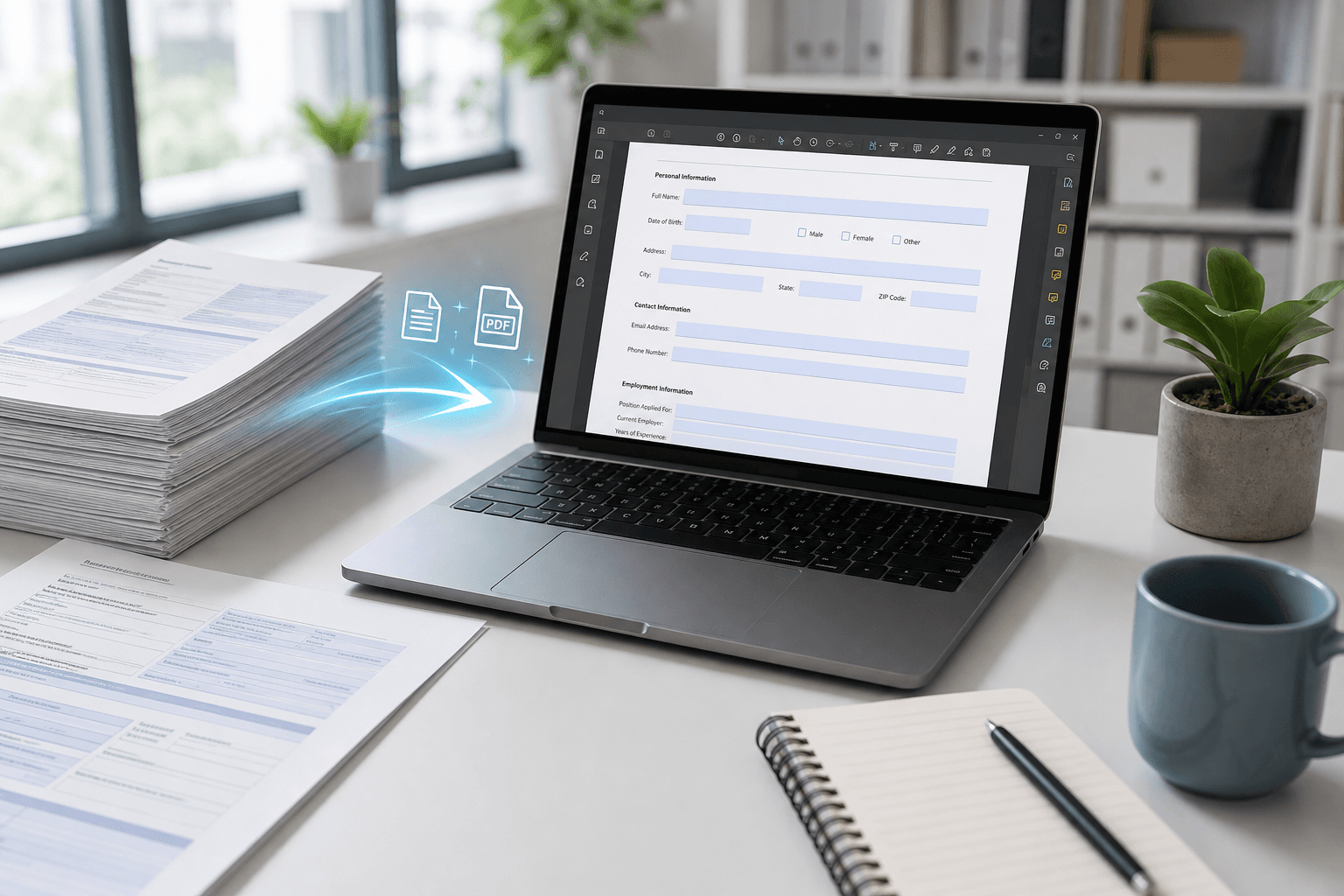
Online submissions need robust security. From SSL encryption to workflow permissions, discover how Jotform can help protect sensitive data and maintain trust with your users.
Why Security Matters for Online Submissions
Every time you collect data through an online form, you are responsible for protecting that information. From contact details to payment information, submissions can contain sensitive content that requires robust security measures. A breach not only damages trust but can also lead to regulatory penalties under standards like GDPR or HIPAA.
Jotform workflows often handle these submissions across multiple steps—approvals, notifications, and storage. Without proper security, each step introduces risk. That's why building a secure submission process from the ground up is essential for any business workflow.
Key Security Features in Jotform Workflows
Jotform provides several built-in tools to secure your submissions. SSL/TLS encryption is automatically enabled for all forms, ensuring data is encrypted in transit. For an extra layer, you can enable submission encryption using a private key, so only you can read the data—even Jotform cannot access it.
Adding CAPTCHA or reCAPTCHA helps block spam bots, while conditional logic and form access settings allow you to restrict who can view or submit the form. In workflows, you can set approval steps that require authentication, ensuring only authorized users interact with sensitive submissions.
- Always enable SSL/TLS encryption for your forms (it's on by default).
- Use reCAPTCHA or hCaptcha to prevent automated spam submissions.
- Restrict form access by IP, password, or user roles to limit exposure.
How Noxtiz Can Help You Optimize Security
Even with robust built-in features, configuring security for complex workflows can be challenging. Noxtiz, as an independent Jotform partner, specializes in helping businesses fine-tune their form security settings. We recommend conducting a security audit of your existing workflows to identify any gaps.
For example, reviewing submission retention policies and enabling advanced encryption options can dramatically reduce risk. Noxtiz suggests setting up automated alerts for suspicious activity and regularly updating form permissions to align with your team’s current structure. With the right configuration, you can maintain both security and efficiency.
Ready to go further with Jotform?
The Gold plan gives you more submissions, more storage, no Jotform branding, and access to advanced features like conditional logic, payment integrations, and approval workflows. Most businesses find it the best value.
- Up to 100 forms and 10,000 submissions per month
- 100 GB of storage and 10,000 encrypted uploads
- Remove Jotform branding on forms
- Advanced features: conditions, payments, approvals, and widgets