
Events
Securing Online Submissions for Your Events: A Practical Guide
Learn how to protect attendee data and prevent spam in event registration forms. Essential security tips for event organizers using online submissions.
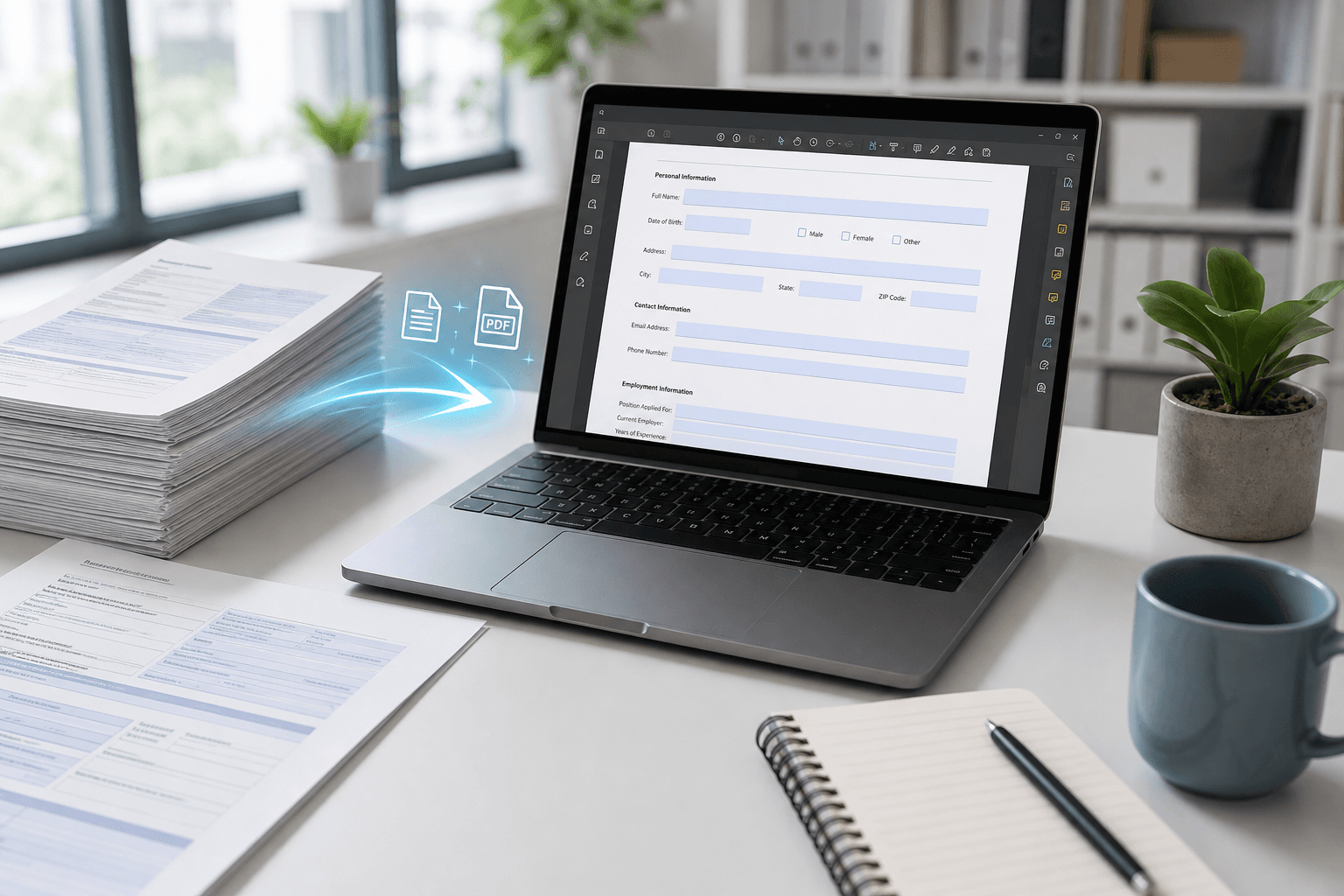
Event organizers face unique security challenges when collecting registrations and submissions online. Discover practical strategies to safeguard sensitive data while maintaining a smooth attendee experience.
Why Event Submission Security Matters
When collecting registrations, payments, or feedback via event forms, sensitive data like names, emails, and payment details flows through your submission system. A single breach can compromise attendee trust and lead to legal liability. Cybercriminals often target event forms because they handle high volumes of personal information with varying levels of protection.
Beyond data breaches, spam submissions can clutter your records, skew analytics, and create administrative headaches. For events subject to regulations like GDPR or CCPA, failure to secure submissions can result in substantial fines. Taking proactive steps to secure your forms is not just a technical task—it’s a cornerstone of professional event management.
Key Security Features for Event Forms
Modern form builders like Jotform come equipped with robust security features out of the box. SSL/TLS encryption ensures data transmitted between the attendee’s browser and your form is protected. You can also enable reCAPTCHA to block automated bots while keeping the experience smooth for real users.
For additional control, use field-level encryption for highly sensitive inputs like credit card numbers or health data. Permission settings let you restrict who can view or edit submissions, and you can set submission limits to prevent abuse. These features work together to create a layered defense without requiring technical expertise.
- Always enable SSL encryption on your event forms.
- Add reCAPTCHA to block spam registrations.
- Set daily submission limits to prevent form bombing.
Advanced Security Recommendations
Going beyond default settings can significantly strengthen your submission security. Consider implementing conditional logic to only ask for essential data—less information stored means less risk. Regularly audit your form’s access logs and remove unused user permissions.
For event organizers seeking expert guidance, Noxtiz recommends integrating Jotform with trusted payment processors and using automated email notifications to flag unusual submission patterns. Noxtiz also suggests enabling submission backup to a secure cloud service, ensuring data remains available even if the primary form encounters issues.
- Use conditional logic to minimize the data you collect from attendees.
- Enable two-factor authentication for all form administrators.
- Noxtiz recommends scheduling weekly security reviews of submission logs.
Ready to go further with Jotform?
The Gold plan gives you more submissions, more storage, no Jotform branding, and access to advanced features like conditional logic, payment integrations, and approval workflows. Most businesses find it the best value.
- Up to 100 forms and 10,000 submissions per month
- 100 GB of storage and 10,000 encrypted uploads
- Remove Jotform branding on forms
- Advanced features: conditions, payments, approvals, and widgets