
Use Cases
Streamline Business Processes with Jotform Workflow Automation
Learn how to build smarter workflows using Jotform's automation features. Discover three practical use cases to save time and reduce errors.
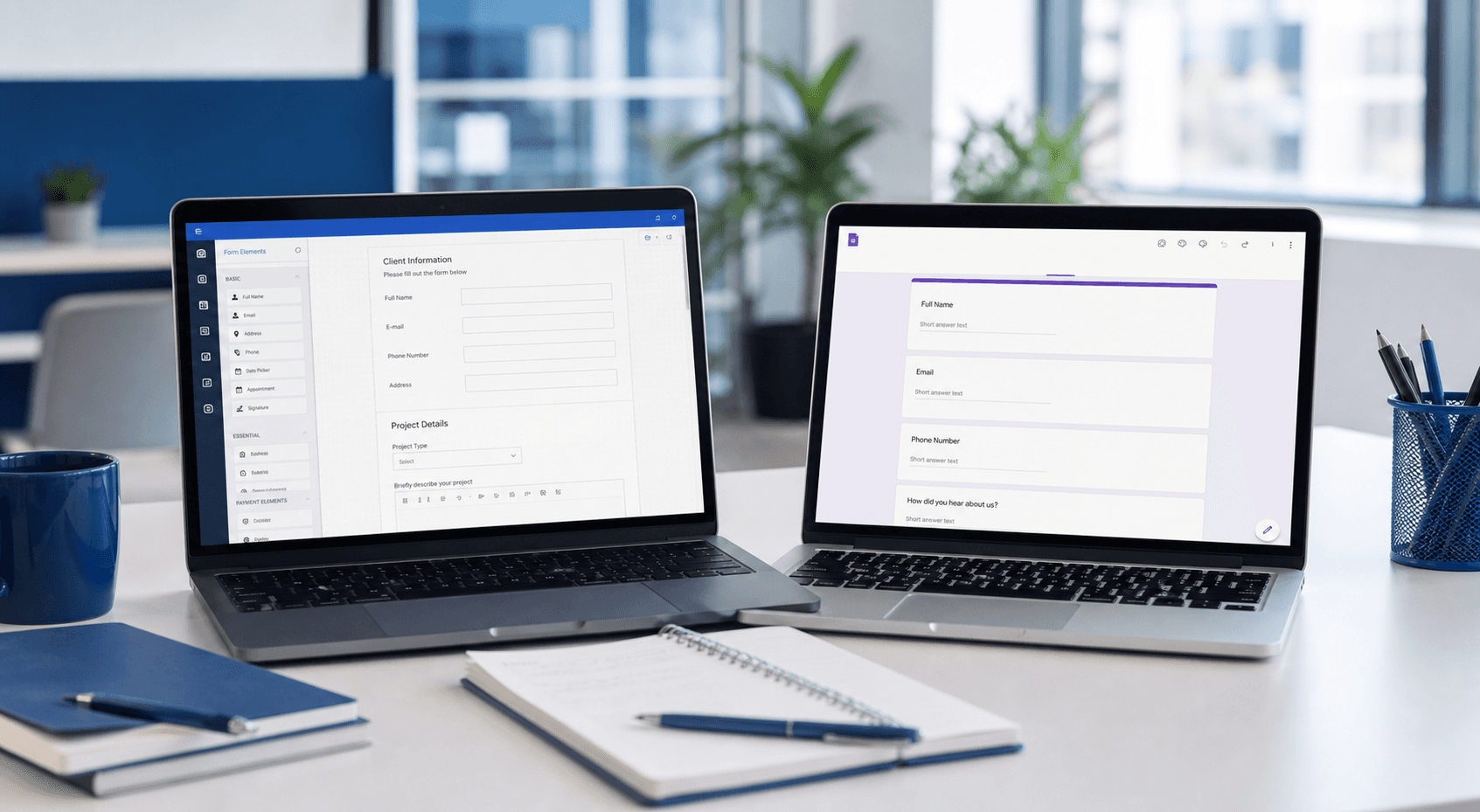
Manual processes slow you down. Discover how Jotform's workflow automation can streamline approvals, data integration, and team collaboration—without coding.
Automate Approval Processes
Approval workflows often bottleneck projects. With Jotform, you can create forms that automatically route submissions to the right person based on conditions. For example, expense reports over $500 can be sent to a manager, while smaller amounts are auto-approved. This reduces back-and-forth emails and speeds up decision-making.
Setting up these automations is straightforward. Use Jotform's Approvals feature to assign tasks, set deadlines, and notify team members. You can even add conditional logic to handle exceptions. The result: a consistent, transparent process that scales with your team.
- Use conditional routing to send forms to different approvers based on values.
- Enable email notifications to keep everyone in the loop.
- Set up deadlines to ensure approvals don't get stuck.
Integrate Data Across Your Tools
Workflows become smarter when data flows between systems. Jotform connects with over 100 apps through its native integrations and Zapier. For instance, when a customer submits a contact form, you can automatically add their info to a Google Sheet and send a Slack message to your sales team. This eliminates manual data entry and reduces errors.
You can also use Jotform Tables to view and manage all submissions in a dashboard. Combine data from multiple forms, filter by status, and share views with stakeholders. This keeps everyone on the same page without switching between apps.
- Sync form submissions to Google Sheets, Salesforce, or Dropbox instantly.
- Trigger Slack notifications for new leads or support tickets.
- Use Jotform Tables to create a unified project tracker from multiple forms.
Optimize Team Collaboration with Smart Templates
Smarter workflows also come from reusing proven patterns. Instead of building every workflow from scratch, start with ready-made templates. Jotform offers hundreds of form templates and workflow blueprints for common business processes—from employee onboarding to customer feedback loops. This saves time and ensures best practices.
For teams that need tailored solutions, Noxtiz recommends combining Jotform templates with custom conditional logic and integrations. By analyzing your specific process, we can suggest modifications to eliminate friction points. For example, adding a delay action before a follow-up email can improve response rates. The key is to iterate based on real usage data.
- Explore Jotform's template library for common workflows.
- Customize templates with conditional logic to fit your exact process.
- Leverage Noxtiz's expertise to fine-tune automation for maximum efficiency.
Ready to go further with Jotform?
The Gold plan gives you more submissions, more storage, no Jotform branding, and access to advanced features like conditional logic, payment integrations, and approval workflows. Most businesses find it the best value.
- Up to 100 forms and 10,000 submissions per month
- 100 GB of storage and 10,000 encrypted uploads
- Remove Jotform branding on forms
- Advanced features: conditions, payments, approvals, and widgets