
Edit your PDF workflow
Learn when Jotform PDF Editor is the right fit for customizing, generating, and sharing polished PDF documents.
PDF workflow guide
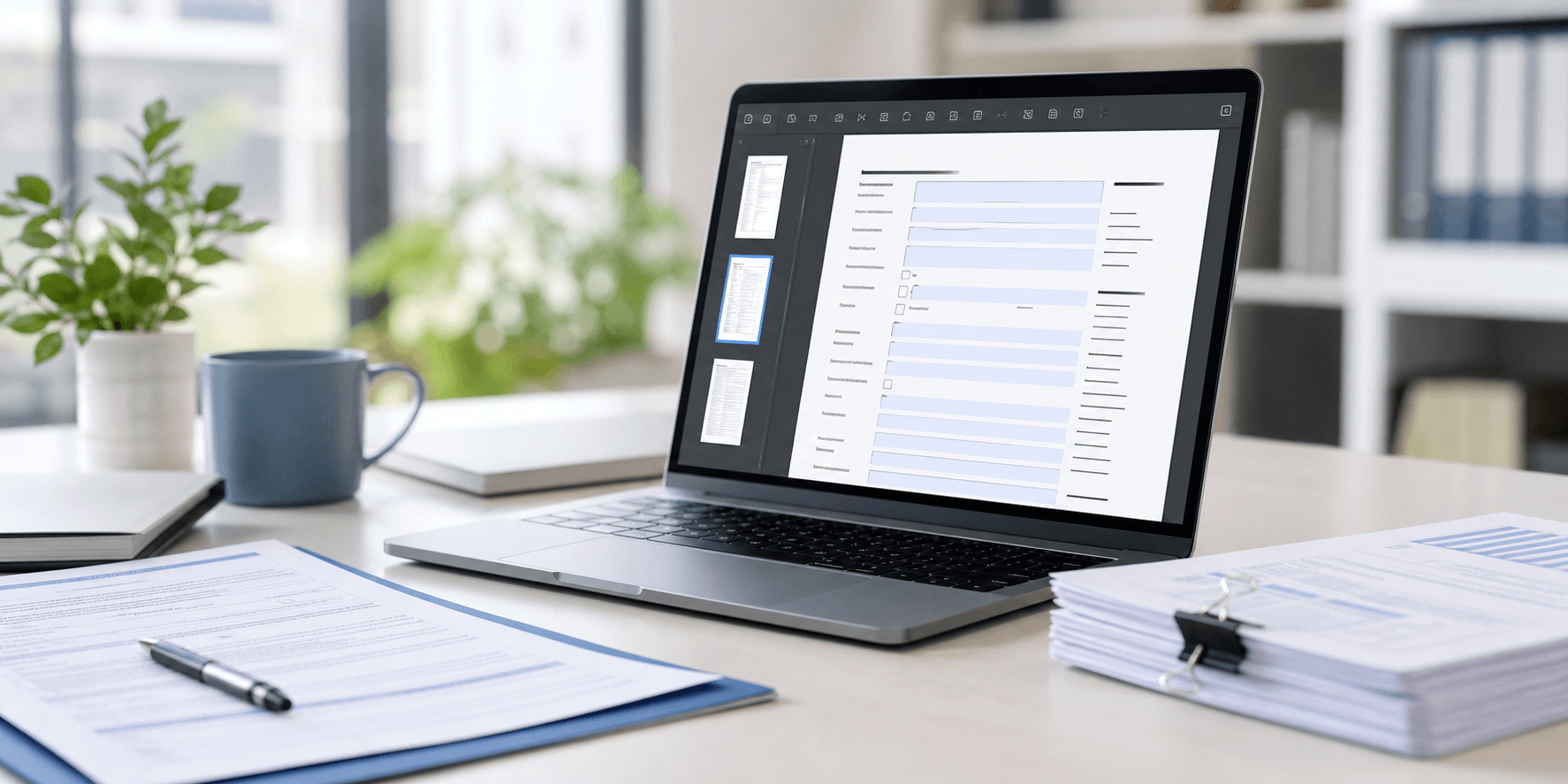
PDF-based workflows often become slow when teams keep emailing attachments, manually re-editing documents, or rebuilding the same form structure again and again. This guide focuses on Jotform PDF Editor, Smart PDF Forms, and practical next steps for businesses that want a cleaner document workflow.
Focus Areas
Learn when Jotform PDF Editor is the right fit for customizing, generating, and sharing polished PDF documents.
Use Smart PDF Forms when you already have a PDF form and want to turn it into an easier online submission flow.
Understand where Google Forms is enough and where Jotform is stronger for PDF, document, and business workflow needs.
Go deeper into the official Jotform PDF Editor product and feature set before choosing your setup.
Related Guidance
PDF Forms
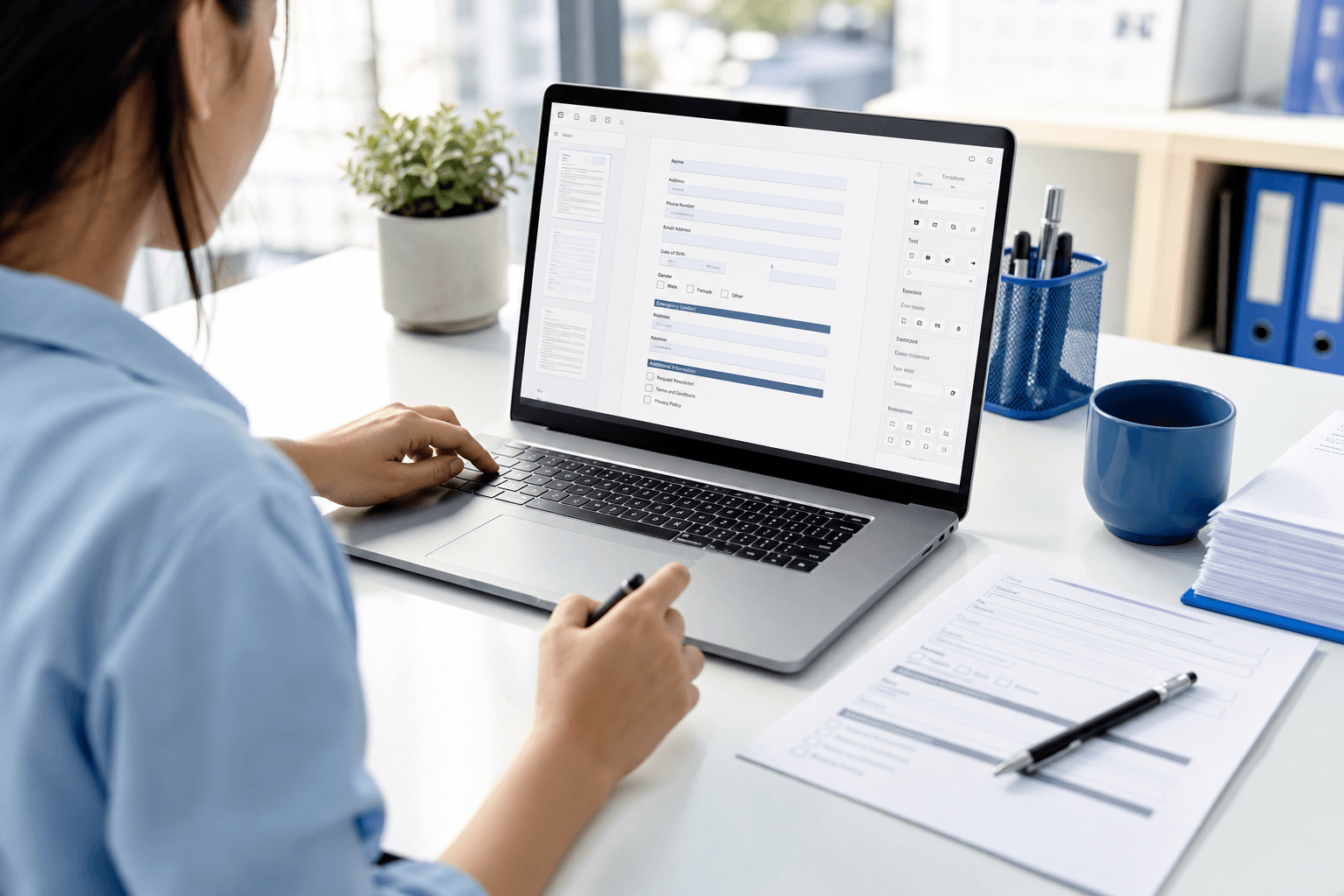
Jotform PDF Editor is useful when the business still needs polished PDF output, but wants a simpler way to generate, customize, and share those documents from a modern form workflow.
PDF Forms
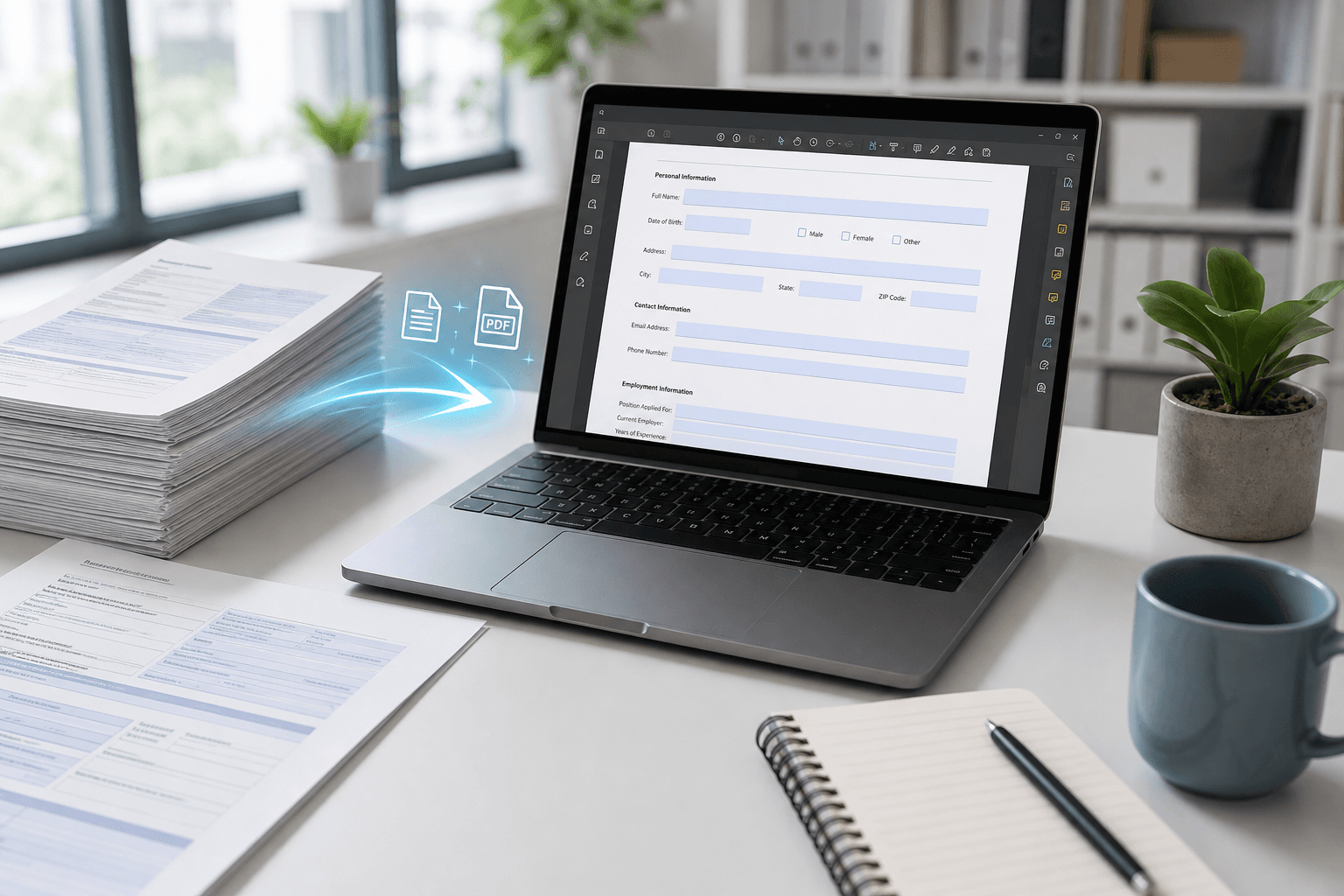
If the business already has a PDF form it wants to keep, Smart PDF Forms can be a practical bridge between an old document process and a more usable online form flow.
PDF Forms
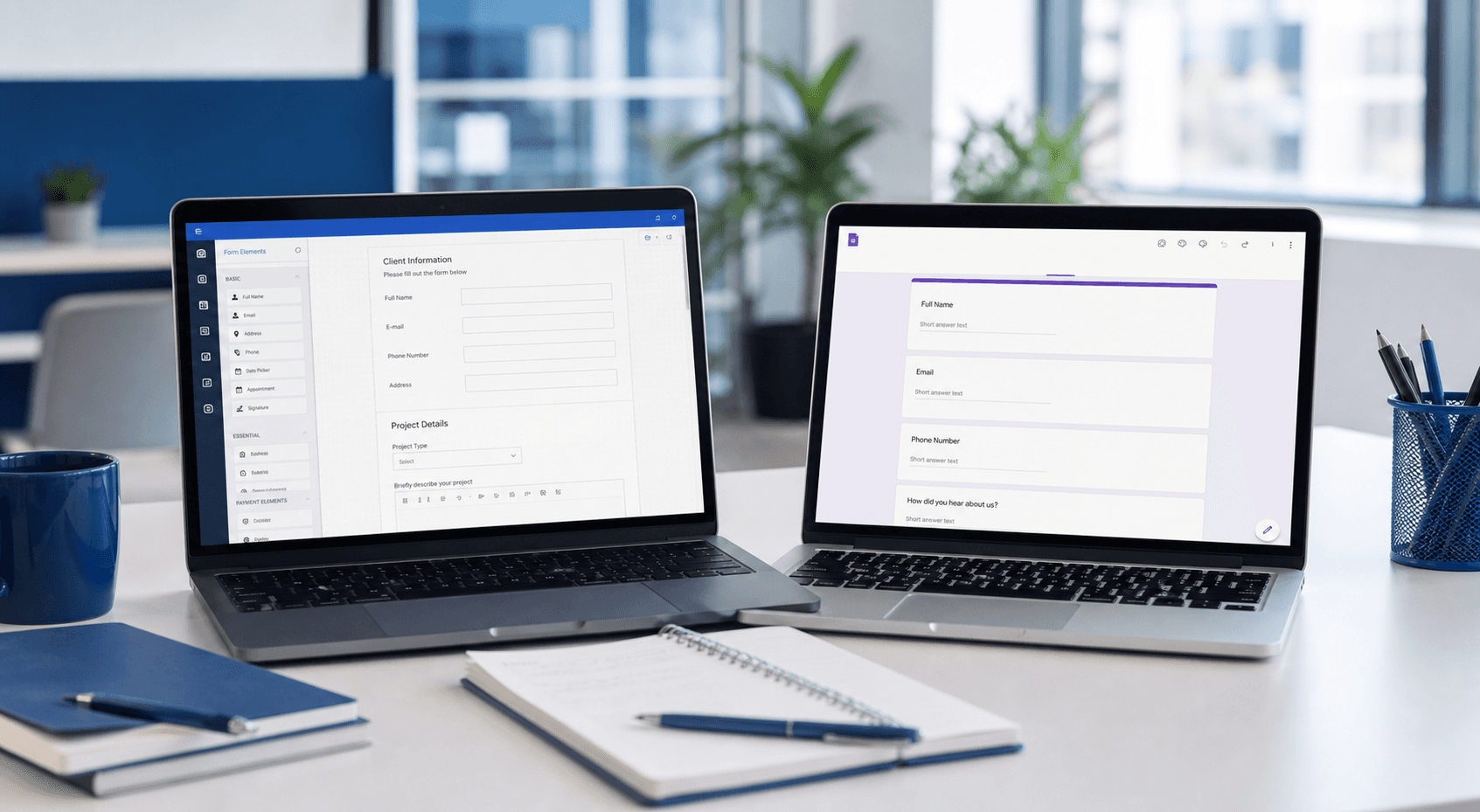
Google Forms is often enough for simple collection, but Jotform becomes stronger when the workflow needs PDF output, branded documents, or a more operational form setup.
Checkout
Choose a monthly or yearly pricing path, then continue directly.